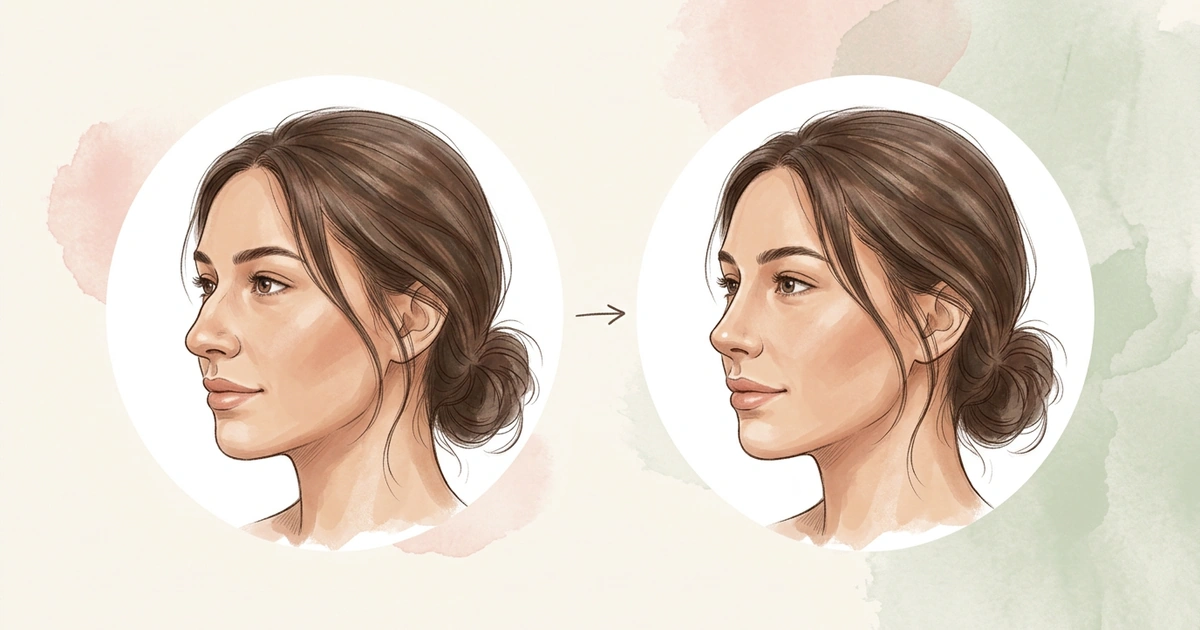
How to See What You’d Look Like With a Nose Job
You’ve pictured a smaller tip or a straighter bridge for months, and now you want to actually see it. There are three ways to see what you’d look like with a nose job before anyone touches your nose, and each one shows something different.
Written by Mia Hartley6 min readUpdated
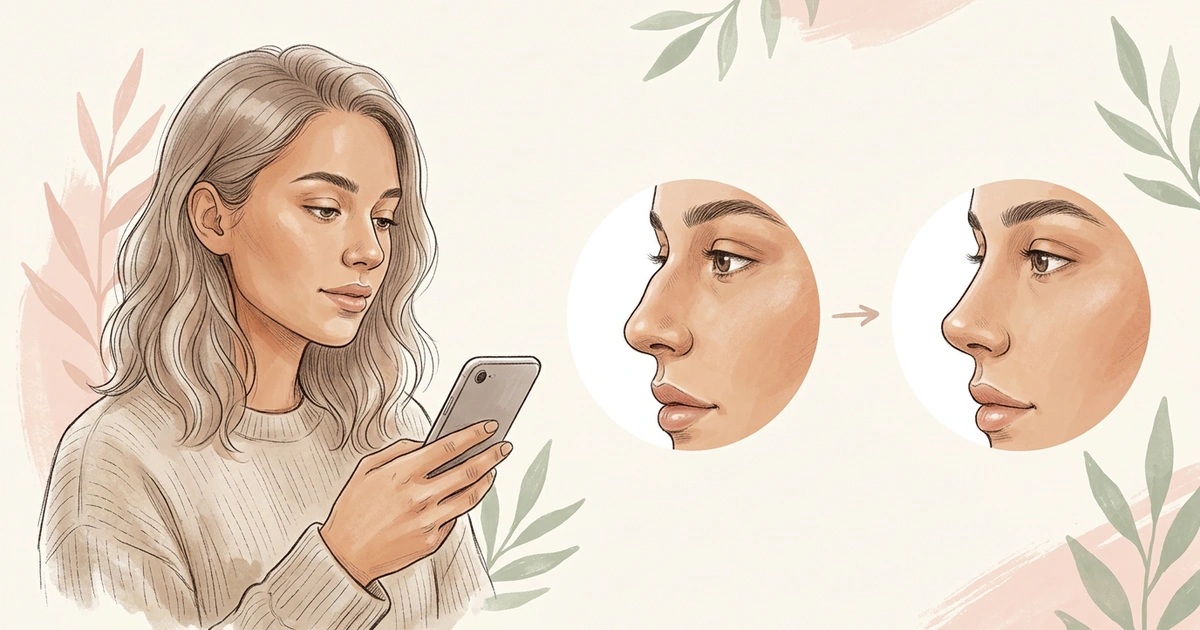
Most nose job changes happen in profile. A smoother bridge, a slightly lifted tip, a smaller bump: all of them are easiest to judge from the side.
Filters and quick previews usually start from a front-facing selfie, which shows width well and the rest barely at all. So the view you use matters as much as the tool.
Start with a simulator app and a side photo to see a change on your face in minutes. Then compare it with before-and-after photos of noses like yours, which show real results, and finish with a surgeon’s imaging, which shows what’s possible for your nose. Together they show what you’d look like with a nose job.
Can You See Nose Job Results Before Surgery?
Roughly, yes, but no method shows your exact result. Your final nose depends on your bone, cartilage and skin, and on how you heal. Cleveland Clinic says the full result shows once your nose has completely healed, which is usually after about a year.
What you can see beforehand is the direction of a change and how it sits with the rest of your face. That’s enough to decide what you’d ask for.
Nose Job Apps and AI Simulators
It’s the quickest of the three. A simulator draws a different nose onto your own photo, so you see the change on your face rather than someone else’s. Here’s what to look for in one:
Side photos. Bridge and tip changes barely show on a front selfie, so pick an app that works with a side or angled photo. NoseChic asks for one for six of its eight styles.
One change at a time. Styles that change one part, like the bridge or the tip, make it clear what you’re reacting to. Tools that reshape the whole face at once make that hard to tell.
An easy way to compare. A before-and-after slider, and a way to try another style on the same photo, let you compare options without starting over each time.
Free tries. Make a few simulations before you pay for anything. If none of the styles appeals to you, that’s worth knowing early.
Nose Job Simulation: What to Expect
Best Nose Job Simulator Apps in 2026
NoseChic vs FaceTouchUp: Key Differences
Before-and-After Photos of Noses Like Yours
Real results show what surgery actually did to a real nose, which no simulation can. The catch is that they only help when the starting nose looks like yours.
Surgeons’ websites and the ASPS site both have rhinoplasty before-and-after photos. Look for unedited photos of people whose nose started out like yours, with a similar bump, tip and skin, not just a result you like. For each pair, check for:
- A side view as well as a front one
- The same angle and light in the before and after
- An after photo taken about a year later, if the date is given
- No filters or smoothed skin in either photo
Save the two or three closest to your nose. You’ll use them again at the consultation.
Computer Imaging at a Rhinoplasty Consultation
This is the most realistic nose simulation you can get, because it starts from an exam. At a rhinoplasty consultation, the surgeon examines and measures your face and takes photographs, and some then show you a simulation built from them and their plan for your nose.
That’s the difference from an app: the simulation is tied to what your nose can actually do. Even so, as ASPS surgeons point out, no software can show exactly how your tissues will heal or how the swelling will settle.
Bring the before-and-after pairs you saved, and ask the surgeon to show the change in their imaging. Then compare the two. One shows what was possible on another nose, the other what’s planned for yours.
How NoseChic Helps You See a Nose Job on Your Photo
In NoseChic, choose one of 8 styles and add a photo at the angle it needs. Before you do, the app shows good and bad photo examples for that style, and the simulation itself is ready in about 45 seconds.
Pick the style for the part you keep picturing: Greek or Sloped for the bridge line, Upturned or Defined Tip for the tip, and Slim Bridge for width from the front. Then compare Before and After with the slider, and if you’re torn between two, use Try another style on the same photo.
A simulation is a style drawn on your photo, so what’s possible for your nose is still the surgeon’s call. Save the ones you like, ready to set next to the before-and-after pairs you collected.
Frequently Asked Questions
Can you see what you’d look like with a nose job in 3D?
Some surgeons can show you. ASPS surgeons describe imaging that can use 3D scans of your face to simulate possible changes while accounting for your actual proportions. Phone apps work from a flat photo instead. If 3D imaging matters to you, ask about it when you book.
Should I show my surgeon an AI photo of myself?
You can, as a way to start the conversation. ASPS surgeons say the trouble starts when a generated image turns into an expectation instead. Point to the specific thing you like, such as a straighter bridge or a more refined tip, and ask whether it’s possible for your nose, rather than asking for the whole picture.
Can I see what I’d look like with a smaller nose?
Yes. A simulator app can show a more compact or narrower nose on your own photo, for example NoseChic’s Button or Slim Bridge styles. Before you decide your nose needs to be smaller, check the photo itself: a close selfie can make a nose look up to about 30% wider than it is.
What if the surgeon’s imaging looks different from my app simulation?
Ask which part changed and why. The surgeon’s version is built around your skin, cartilage and bone, so a tip may not lift as far or a bridge may stay a little fuller. If you still prefer your simulation, ask whether something in between is possible for your nose.
Sources and further reading
- The AI face: When inspiration photos aren’t real (American Society of Plastic Surgeons)
- What should I expect during a consultation for rhinoplasty? (American Society of Plastic Surgeons)
- Rhinoplasty (Nose Job) (Cleveland Clinic)
See your new nose in seconds
Download NoseChic, try nose job simulation on your own photo, and find the nose that feels right.