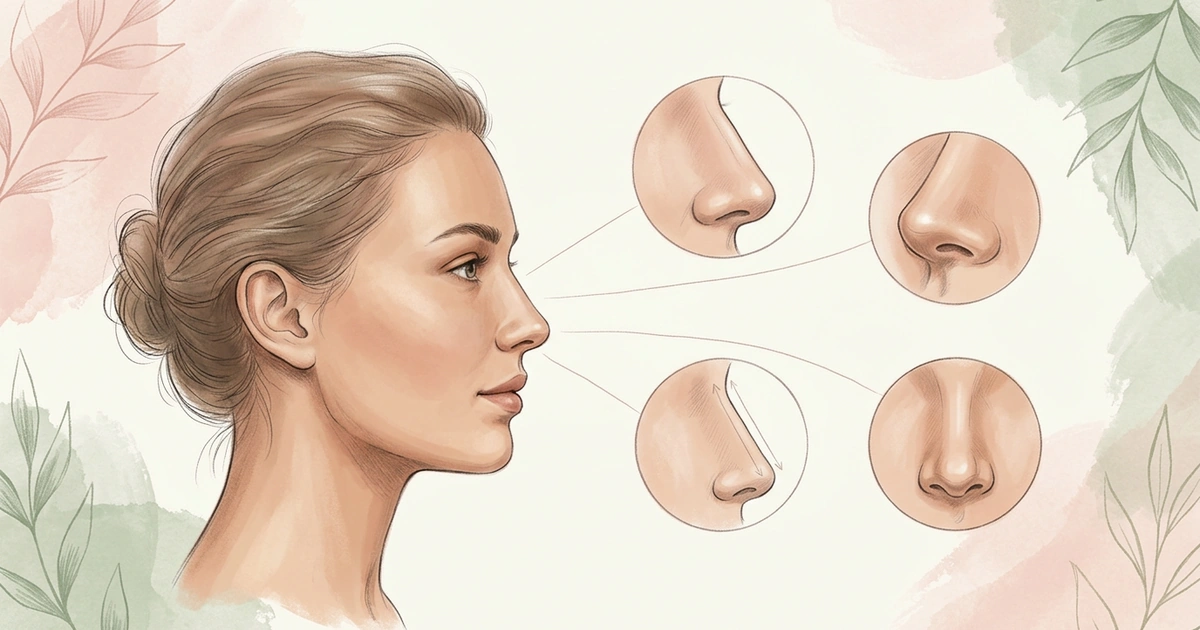
Nose Job Simulation: What to Expect
You’ve made a nose job simulation, or you’re about to. Here’s what you’ll see, how close it gets to a real result, and how to use it to figure out what you want.
Written by Mia Hartley5 min readUpdated
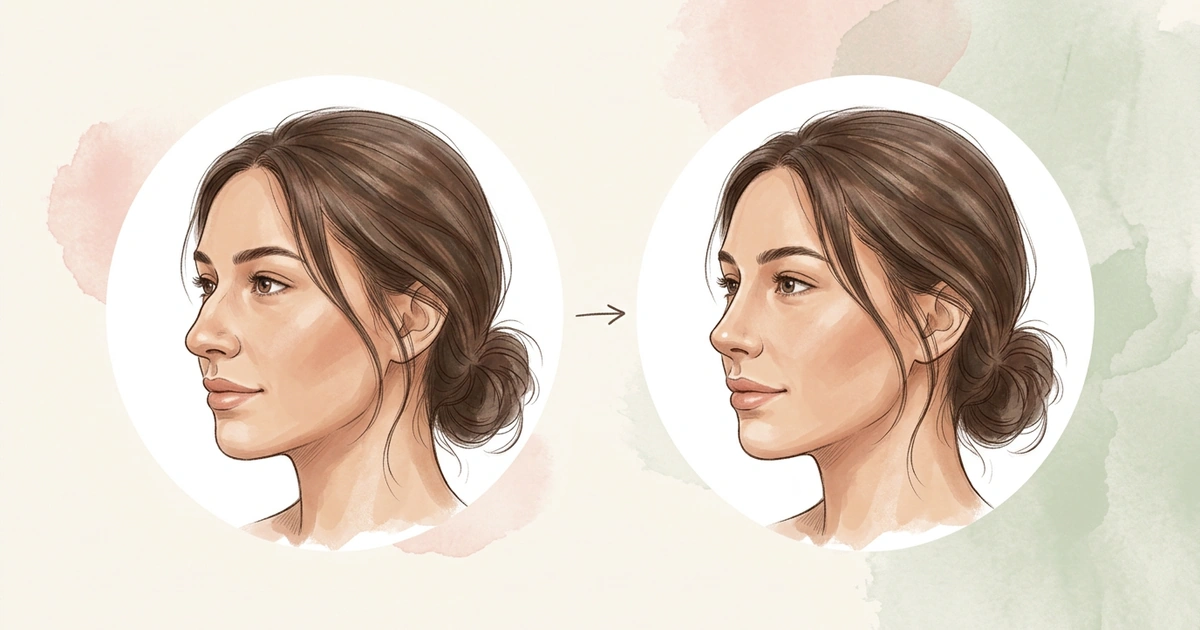
The first simulation is usually a surprise. It’s your face, your lighting and your expression, with a different nose, and you can flip back to the original in a second.
That’s what a simulation is good at. It turns “I wonder what it would look like” into something you can actually react to.
A nose job simulation shows your face with a different nose, drawn by AI from your photo. Expect it to get the general direction right but not every detail, because it can’t see your bones, cartilage or skin. Use it to find the change you like, then take 2 or 3 simulations to a surgeon.
What a Nose Job Simulation Shows
It shows one idea for your nose, drawn onto your own photo, like a straighter bridge or a smaller tip. Because it starts from your photo, you judge the change on your face, not on someone else’s.
It’s a tool for figuring out what you like, privately and as many times as you want. Surgeons use their own simulation software at a consultation, and theirs is based on an exam of your nose, not only a photo.
Types of Nose Shapes: 10 Common Shapes Explained
What to Expect When You Make One
Expect the first simulation to look like a bigger change than you pictured. That’s normal. Flip between the simulation and your original a few times before you decide how you feel.
Judge each change from the right angle. Width shows best from the front, while the bridge line and the direction of the tip show best from the side. A bridge change can look like almost nothing on a front photo.
Check what else changed. AI sometimes smooths skin or shifts the lips and chin slightly. If the simulation looks better partly because of those, that part won’t come from surgery.
Start from a good photo, taken from about 5 feet away rather than as a close selfie, which makes your nose look wider.
How Accurate Is a Nose Job Simulation?
It gets the general direction right, but not every detail. In one study, experts compared simulations with real results a year after surgery and felt that about 1 in 3 didn’t match.
The reason is what a photo can’t show: your bones, your cartilage and how thick your skin is. Those decide how much a nose can change. Thick skin, for example, can keep a tip from ever looking as sharp as it does in a simulation.
So read a simulation as “something like this,” not “exactly this.” A small, believable change is a better guide than the most dramatic one.
How to Use Your Nose Job Simulation
Use it to work out which change you actually want. Make one change per simulation, like a straighter bridge in one and a smaller tip in another, so you know exactly which one you like.
When you find a change you like, save a smaller version of it too. Seeing both side by side shows you how much change you really need.
If you book a consultation, bring 2 or 3 simulations, not 10, and point to the part you like. You could say: “I made a few simulations to see what I like. It’s mostly the straighter bridge in this one. Is something like this possible for my nose?” The surgeon will examine your nose and tell you what’s realistic.
Where NoseChic Fits In
NoseChic’s 8 styles each explore one part, which makes the one-change-per-simulation rule easy to follow. Greek works on the bridge line, Defined Tip on the tip’s contour, and Slim Bridge on the width from the front. Each style asks for the photo angle that shows its change, so you judge it from the right side.
Once you have a simulation you like, use Try another style to make the next one from the same photo. The light and your expression stay put, so the nose is the only thing that differs between them. Every simulation waits in History on your device until you delete it.
Each simulation shows a style on your photo, not what surgery could do for your nose. When you’ve picked your favorites, save them to your photo library and take them to the consultation.
Frequently Asked Questions
Is a nose job simulator free?
Some apps let you start without paying. NoseChic gives you a limited number of free simulations and reports, and Pro makes them unlimited. A surgeon’s simulation is a separate thing, so ask the clinic when you book whether it’s part of the consultation or costs extra.
When will my nose look like the simulation after surgery?
Not right away. Your nose is swollen for the first weeks, and most of the swelling is gone by about 3 months. Cleveland Clinic notes you won’t see the full result until the swelling is completely gone, which can take up to a year. Compare your nose with the simulation at a year, not in the first weeks.
What if the surgeon says my simulation isn’t possible?
Ask why, and ask what is possible instead. Your skin, cartilage, bones and breathing all set limits, and a good surgeon will explain which one matters for you, often by showing a more realistic version. If you still don’t feel heard, a second consultation is a normal next step.
Sources and further reading
- The AI face: When inspiration photos aren’t real (American Society of Plastic Surgeons)
- Realistic expectations: to morph or not to morph? (Plastic and Reconstructive Surgery, via PubMed)
- Rhinoplasty (Nose Job) (Cleveland Clinic)
- Nasal Distortion in Short-Distance Photographs: The Selfie Effect (JAMA Facial Plastic Surgery, via PubMed)
See your new nose in seconds
Download NoseChic, try nose job simulation on your own photo, and find the nose that feels right.