Understanding Your Nose Report
Your Nose Report helps you explore your nose features. It brings together an AI-generated overall score, feature ratings, and suggested nose styles.
Written by Mia Hartley3 min readUpdated

A Nose Report takes 10 to 20 seconds and gives you three things: an Overall harmony score with a short summary, feature ratings, and Styles that suit you, each with a reason.
Here’s how to read each part, and what the report can and can’t tell you.
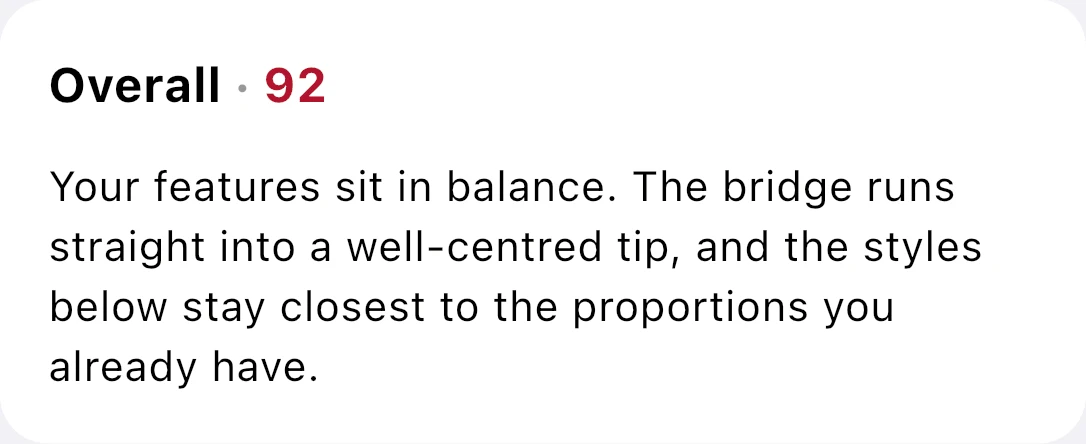
The overall score summarizes the app’s assessment of your nose in relation to the rest of your face in the photo.
Start with the overall score
Read the score alongside its summary to understand what the report highlights. Use it as a starting point for exploration. It isn’t an objective beauty rating, and it doesn’t determine whether you should change anything about your appearance.
Explore the feature ratings
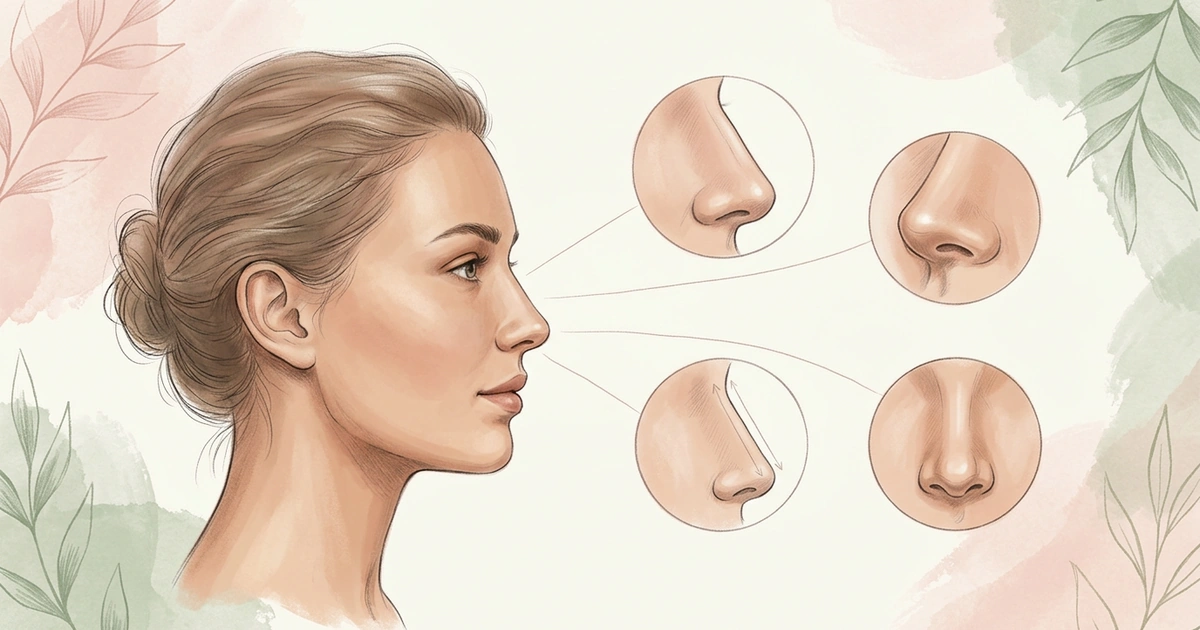
Feature ratings add detail to the overall score. Depending on your report, you may see ratings for:
- Bridge width: How broad the bridge appears.
- Bridge smoothness: The contour of the bridge.
- Tip shape: The contour of the tip.
- Tip angle: The direction of the tip.
- Length: The apparent distance from the upper part of the nose to the tip.
- Symmetry: How the sides of the nose relate to each other and to the center of the face.
Read beyond the overall score
Use the feature ratings to identify the details you want to explore, such as bridge width or tip shape. You can then focus on those details when comparing nose simulations.
Consider the suggested styles
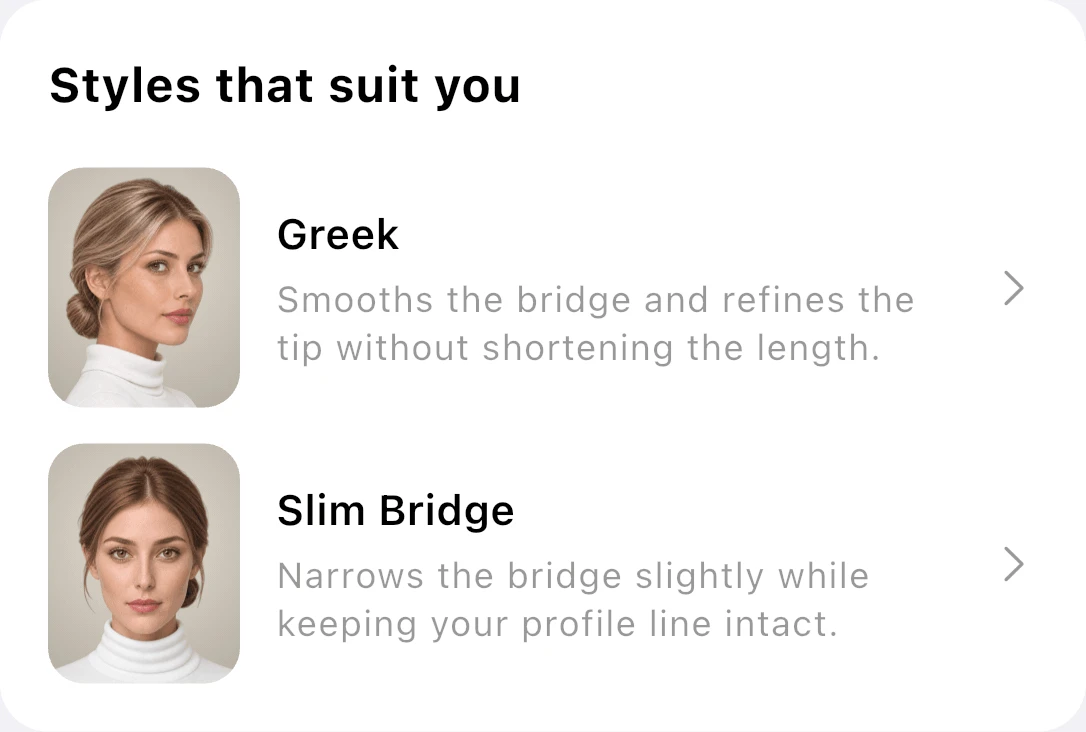
The report suggests nose styles based on its assessment of your photo. Read the explanations and try the styles that interest you.
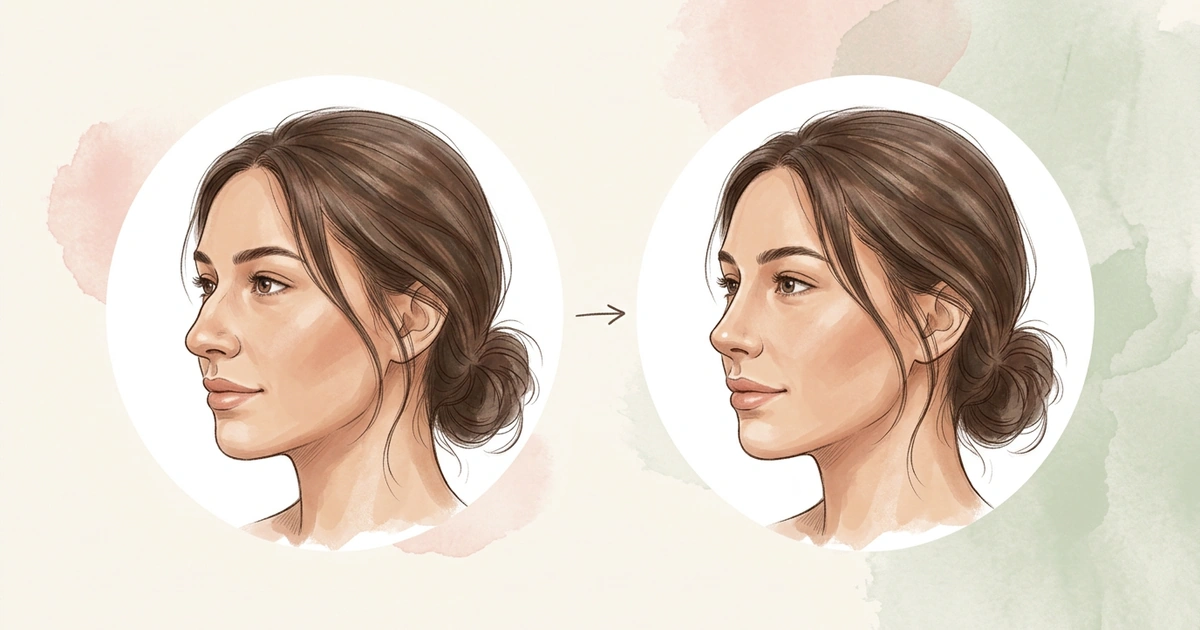
A Nose Report describes features and suggests styles. A nose job simulation shows a selected style on your photo. Use them together to explore your preferences.
Understand the report’s limits
Your Nose Report is an AI-generated interpretation of a photo. Use its scores and suggestions as ideas to explore, rather than instructions about what you should choose. It isn’t a clinical examination or medical recommendation.
Frequently Asked Questions
How long does a Nose Report take?
About 10 to 20 seconds. Take or choose a front-facing or side-profile photo of one person, clear and well lit. The report returns an Overall harmony score with a short summary, feature ratings, and Styles that suit you, each with a reason.
Does the Nose Report tell me my nose shape?
No. It rates features, such as Bridge smoothness, Tip shape and Tip angle, rather than giving your nose a shape name. To match your ratings to a name like Greek or Roman, compare them with the shape descriptions in our nose shape guides.
Why are some feature ratings missing from my report?
The report reads one photo, and one angle can’t show every feature. Width shows from the front, while the bridge line and tip angle show from the side. Run a second report on a photo from the other angle to see the rest.
Is the Overall harmony score a beauty rating?
No. The Overall harmony score describes how your nose fits the rest of your face in that photo. It isn’t an objective beauty rating or a clinical exam, and the suggested styles are ideas to explore, not instructions.
See your new nose in seconds
Download NoseChic, try nose job simulation on your own photo, and find the nose that feels right.