
See your new nose in seconds
Try nose job simulation on your own photo and find the nose that feels right.




Features
Everything you need to explore a new nose before you decide.
8 nose styles
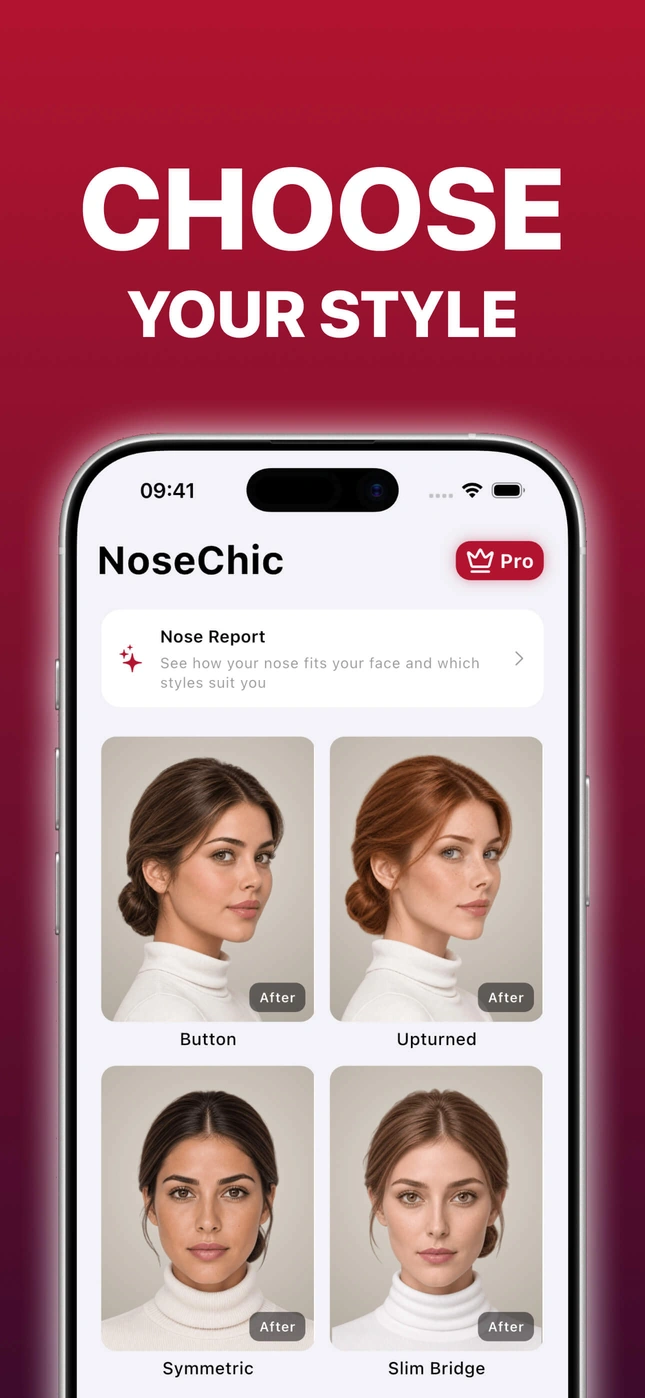
Try Button, Upturned, Slim Bridge, Roman, Greek and more on your own photo.
Nose Report
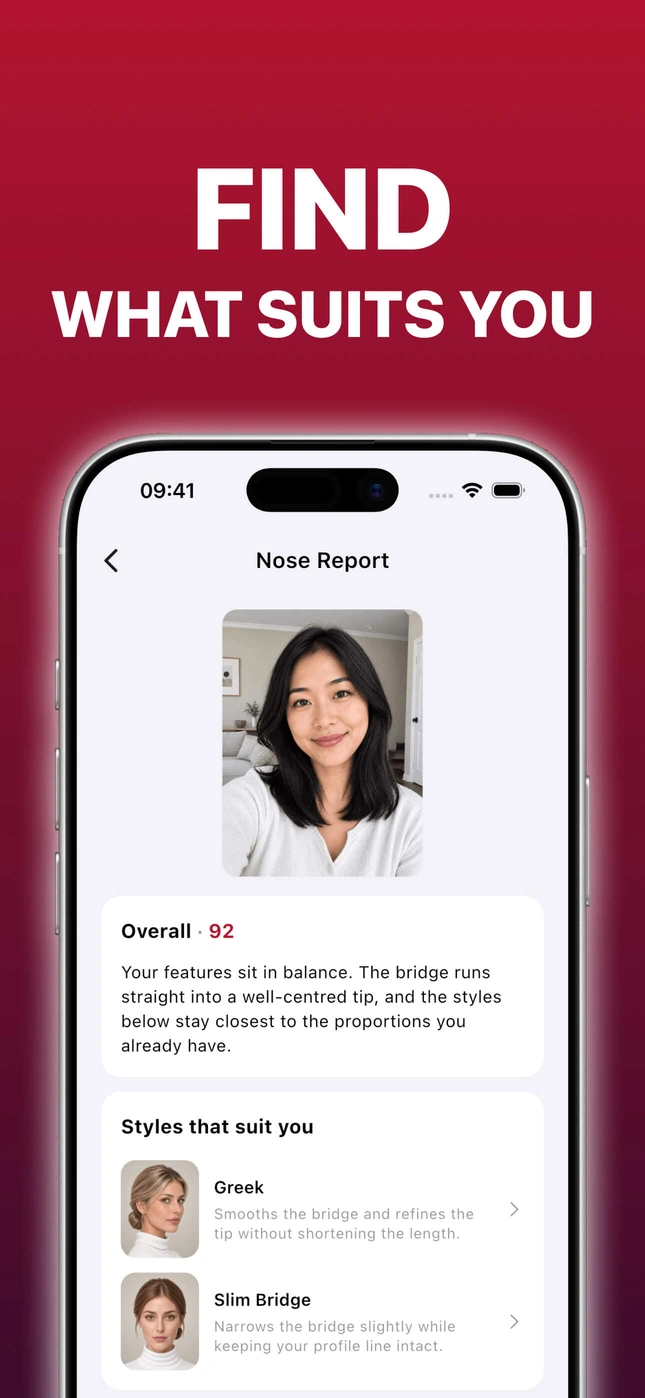
Get a harmony score, ratings for your bridge, tip, length and symmetry, and styles that suit you.
Before and After
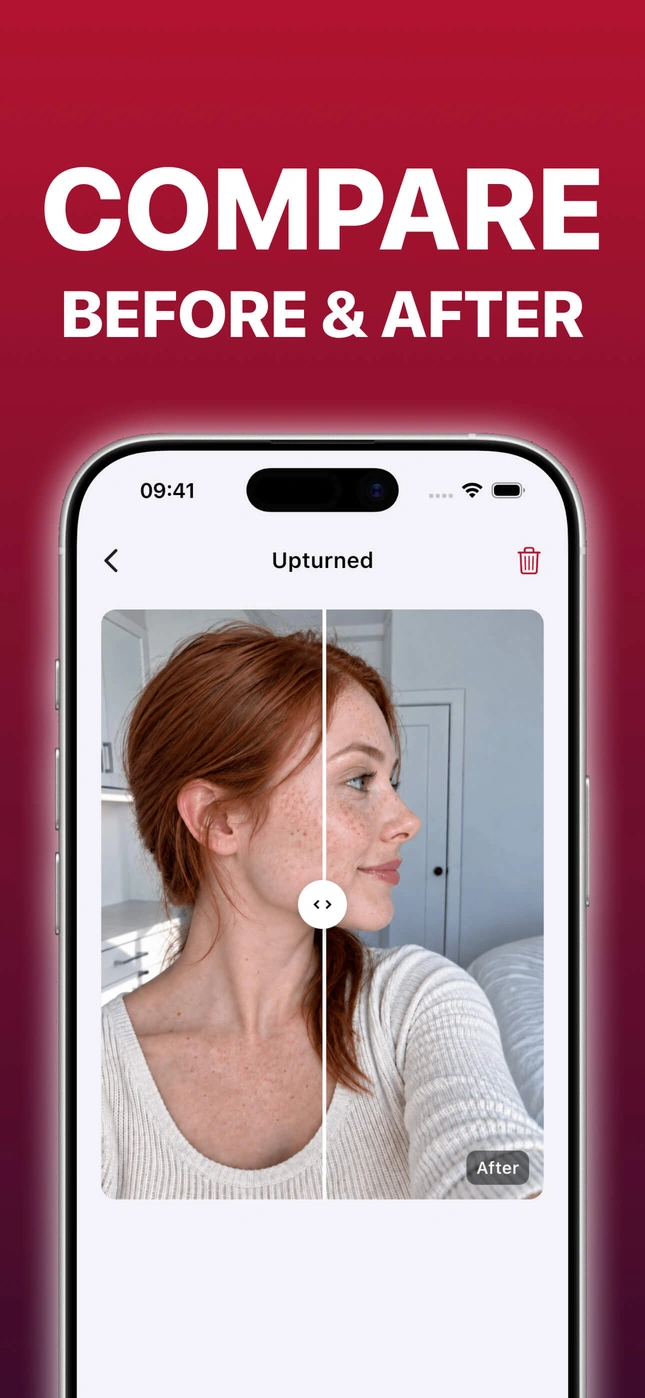
Slide between your photo and the simulation to see exactly what changed.
Private by design
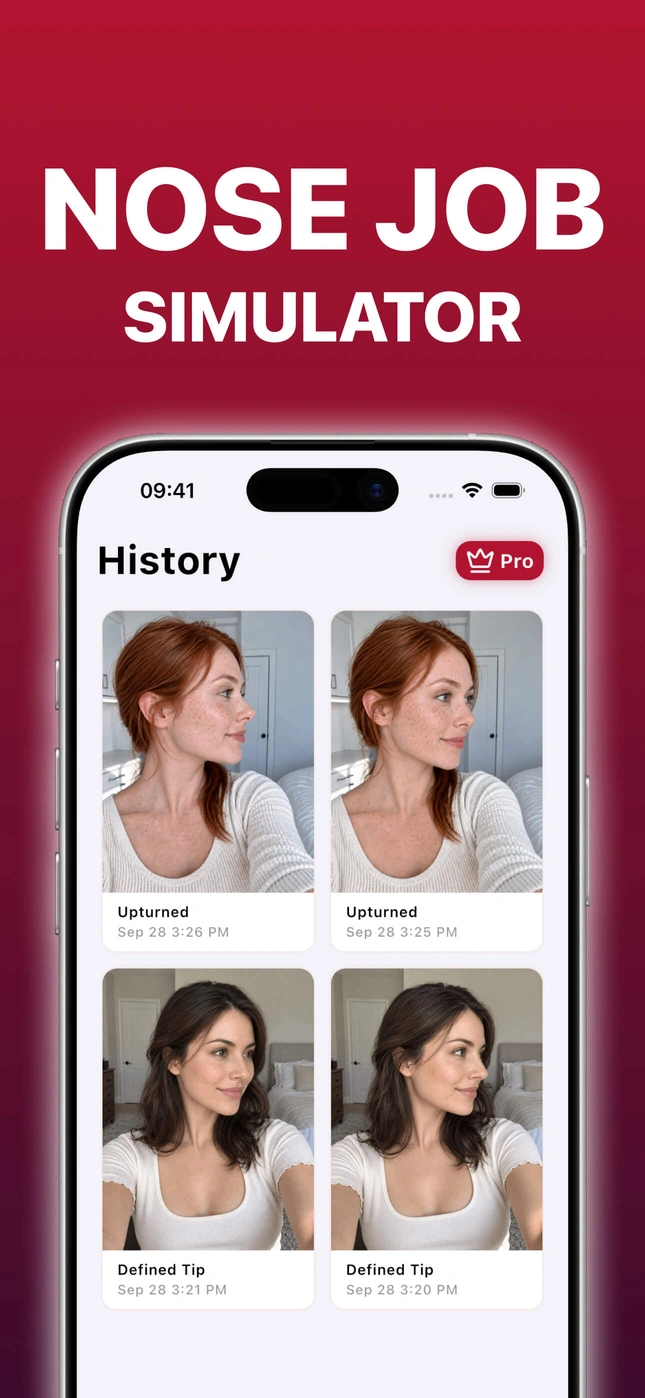
Your photo is sent for processing and deleted right after, and your nose simulations are saved only on your device.
How it works
Try a nose job simulation in three simple steps.
- Step 01
Choose a style
Browse curated nose styles and choose the one you want to try.
- Step 02
Add a portrait
Take a photo or choose a clear, well-lit portrait from your gallery.
- Step 03
Compare the result
Slide between Before and After to see what changed.
Inside the app
What people are saying
Frequently asked questions
- How does nose job simulation work?
- NoseChic is a nose job simulator that generates a simulation of your chosen nose style on your own photo. Choose a style, add a portrait, and compare Before and After.
- What nose styles can I try?
- NoseChic offers a curated selection of nose styles, such as Button, Upturned, Symmetric, and Slim Bridge. Try them on your own photo and compare the simulations.
- Do I need a subscription?
- NoseChic offers a free tier with limited credits. Pro subscriptions unlock unlimited nose simulations and Nose Reports.
- What kind of photos work best?
- Use a clear, well-lit photo that follows the app’s examples for your selected style. Symmetric and Slim Bridge recommend a front-facing photo; the other styles recommend a side or angled photo. You can use a selfie or a photo taken by someone else.
- What happens to my photos?
- Your photo is used only to create your simulation, then deleted immediately after processing. It is not stored on our servers.
- Is NoseChic available on iOS and Android?
- Yes. NoseChic is available on both the App Store and Google Play.
Try NoseChic for Free
Download NoseChic free and see your first nose simulation in seconds.