NoseChic vs Facetune: Key Differences
Maybe you’ve slimmed your nose in Facetune before, and now you’re weighing NoseChic vs Facetune. One is a photo editor and the other is a nose job simulator, so they change your nose in very different ways.
Written by Mia Hartley6 min readUpdated

Facetune is one of the best-known photo editors, and the nose is just one of many things it can touch up. NoseChic does only one thing: it shows you what a nose job could look like. Here’s how they compare.
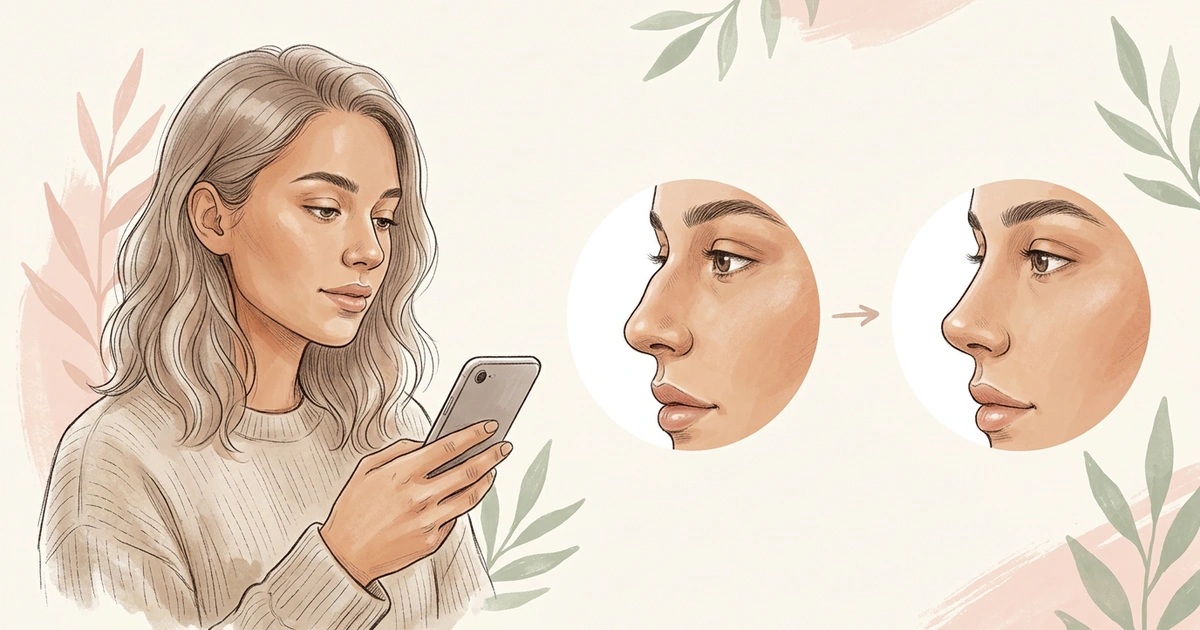
With NoseChic vs Facetune, the difference is the goal. Facetune is a photo editor that lets you gently refine your nose by hand, along with your skin, teeth and hair. NoseChic is a nose job simulator: you choose from common nose shapes, see each one as a nose simulation on a picture of you in seconds, and the Nose Report recommends styles for your face.
What’s the Difference Between NoseChic and Facetune?
Both apps can make your nose look different in a photo. Here are the four things that set them apart.
What it’s for. Facetune is a photo and video editor for touching up selfies. NoseChic is built to show you what a nose job could look like on your face.
How the nose gets changed. In Facetune, you edit the nose by hand with its tools. In NoseChic, you pick a style and NoseChic builds the new look for you.
How big the change is. Facetune describes its nose edits as gentle refinements. NoseChic shows a whole new nose shape, like a slimmer bridge or an upturned tip.
How you pay. Facetune sells Premium plans for its full set of editing tools. NoseChic is free to try, then offers weekly and yearly plans.
Facetune: The All-in-One Photo Editor
Facetune is a popular photo editor, rated 4.6 from about 380,100 App Store ratings. It’s made for touching up selfies and videos: smoothing skin, whitening teeth, trying hairstyles and makeup, and reshaping features. For the nose, there’s a Nose tool in the touch-up menu and a Reshape tool for adjusting features by hand, and Facetune calls the result a gentle refinement. It can also change nose shape in videos. It’s on iPhone and Android, and Premium plans are listed at $5.99 to $77.99 on the App Store, depending on the plan length.
Choose it if: you want your nose to look a little different in the photos and videos you post, along with other touch-ups.
NoseChic: Made for Nose Job Simulations
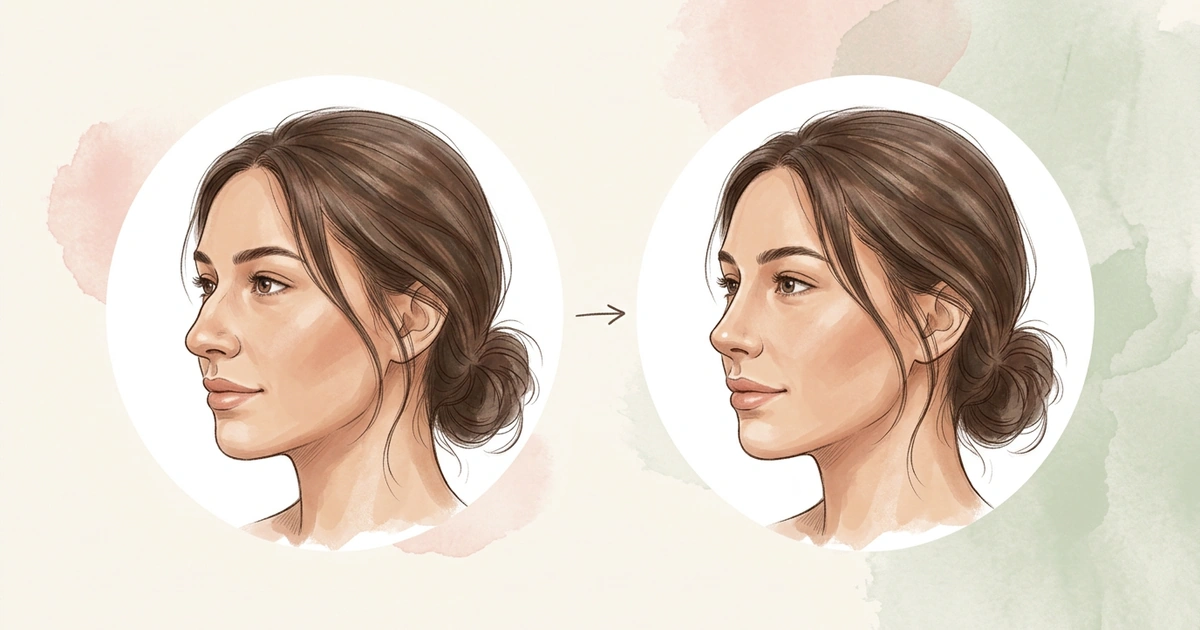
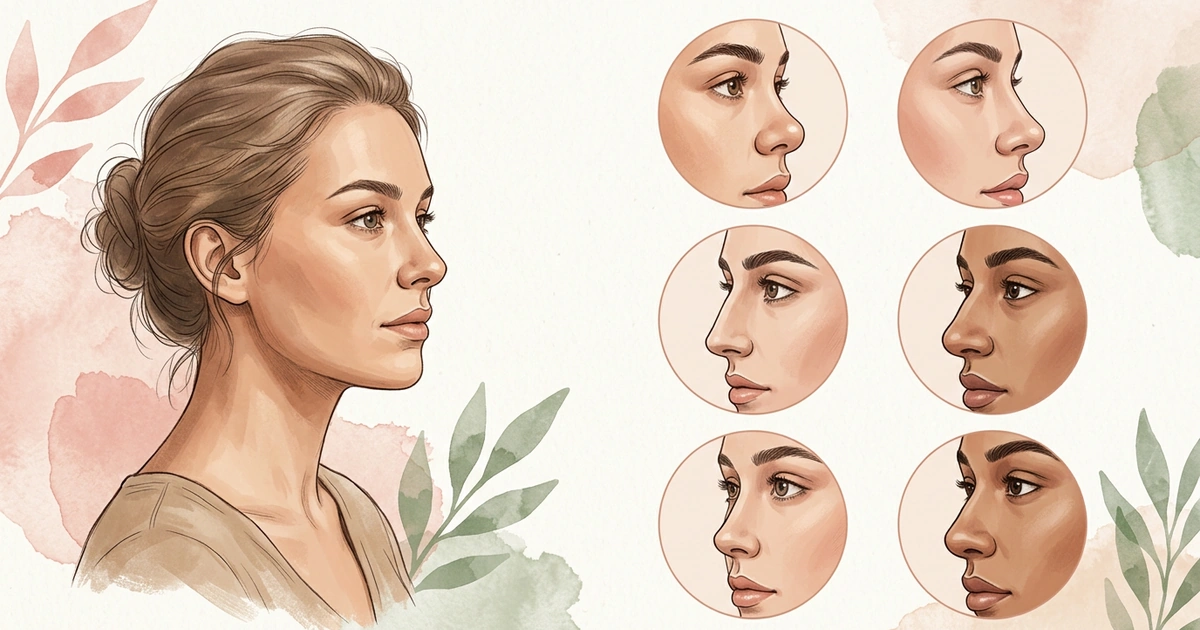
NoseChic is a nose job simulator, not a photo editor, so there’s nothing to drag or slide. You pick one of 8 common nose shapes, like a straight bridge or a slightly turned-up tip, and NoseChic shows it on a realistic picture of you within seconds. Then you can compare it with your original or test a different shape on the same picture.
To narrow down your options, the personalized Nose Report reviews your photo in seconds. It shows how well your nose fits your face, rates parts like the bridge and tip, and suggests the nose styles worth trying first, with a reason for each. NoseChic is free to try, then costs $4.99 a week or $34.99 a year.
Choose it if: you’re thinking about a nose job and want to see real nose shapes on a photo of you, with no editing skills needed.
NoseChic vs Facetune: Side by Side
Here’s a quick look at how the two apps handle your nose.
| Feature | NoseChic | Facetune |
|---|---|---|
| Made for | Seeing what a nose job could look like | Touching up selfies and videos |
| How the nose changes | Choose a style and NoseChic handles the change | You adjust it with the Nose and Reshape tools |
| Size of the change | Whole new nose shapes | Gentle refinements |
| Nose suggestions | Nose Report suggests styles for your face | Not listed |
| Other edits | Nose only | Skin, teeth, hair, makeup, lighting and more |
| Video | Photos only | Photos and videos |
| Price | Free to try, then $4.99 a week or $34.99 a year | Premium listed at $5.99 to $77.99 |
| Platforms | iPhone and Android | iPhone and Android |
If you’re thinking about a nose job, the first three rows decide it. NoseChic shows a whole new nose without any editing.
Which One Should You Choose?
Look for the row that matches your plan.
| If you… | Pick | Why |
|---|---|---|
| Are thinking about a nose job | NoseChic | It shows real nose shapes on your photo |
| Don’t know what nose to try | NoseChic | The Nose Report suggests styles that fit your face |
| Have never edited a photo | NoseChic | There are no tools to learn |
| Want your nose a bit slimmer in selfies | Facetune | Small nose touch-ups with the Nose tool |
| Want to edit videos too | Facetune | It can change nose shape in video |
| Want skin, teeth and hair edits as well | Facetune | A full set of touch-up tools |
Where NoseChic Fits
NoseChic is for the moment you stop wanting a better selfie and start wondering about a real change. Instead of nudging your nose in an editor, take a clear side photo and run the Nose Report. It shows which feature draws the eye first and which styles to start with.
Try a few of them on that photo and look at each one next to your original. When one keeps catching your eye, bring it to your consultation, so your surgeon can see the change you’re picturing.
Frequently Asked Questions
Can Facetune change your nose?
Yes. Facetune has a Nose tool in its touch-up menu and a Reshape tool for adjusting features by hand, and it can change nose shape in videos too. Facetune describes these edits as gentle refinements, so they work best for small touch-ups in photos you post.
Is Facetune free?
Facetune is free to download, but some of its tools need Premium. On the App Store, Premium plans are listed at $5.99 to $77.99, depending on the plan length. NoseChic is also free to try, then costs $4.99 a week or $34.99 a year.
Can I use Facetune to see what I’d look like with a nose job?
You can make small nose edits in Facetune, but it’s built for touching up photos, not for showing a nose job. NoseChic, a nose job simulator, shows whole nose shapes, such as a slimmer bridge or an upturned tip, so you can picture a real change before a consultation.
Is NoseChic better than Facetune?
They’re made for different things. If you’re thinking about a nose job and want to see real nose shapes without editing, NoseChic is the easier choice. If you want to touch up your nose, skin and hair in photos or videos you post, Facetune has more tools for that.
See your new nose in seconds
Download NoseChic, try nose job simulation on your own photo, and find the nose that feels right.