NoseChic vs Airbrush: Key Differences
You’ve probably reshaped a selfie in Airbrush before, and now you’re looking at NoseChic vs Airbrush to try a real nose job idea. One app retouches photos, and the other is built only for nose job simulations.
Written by Mia Hartley6 min readUpdated
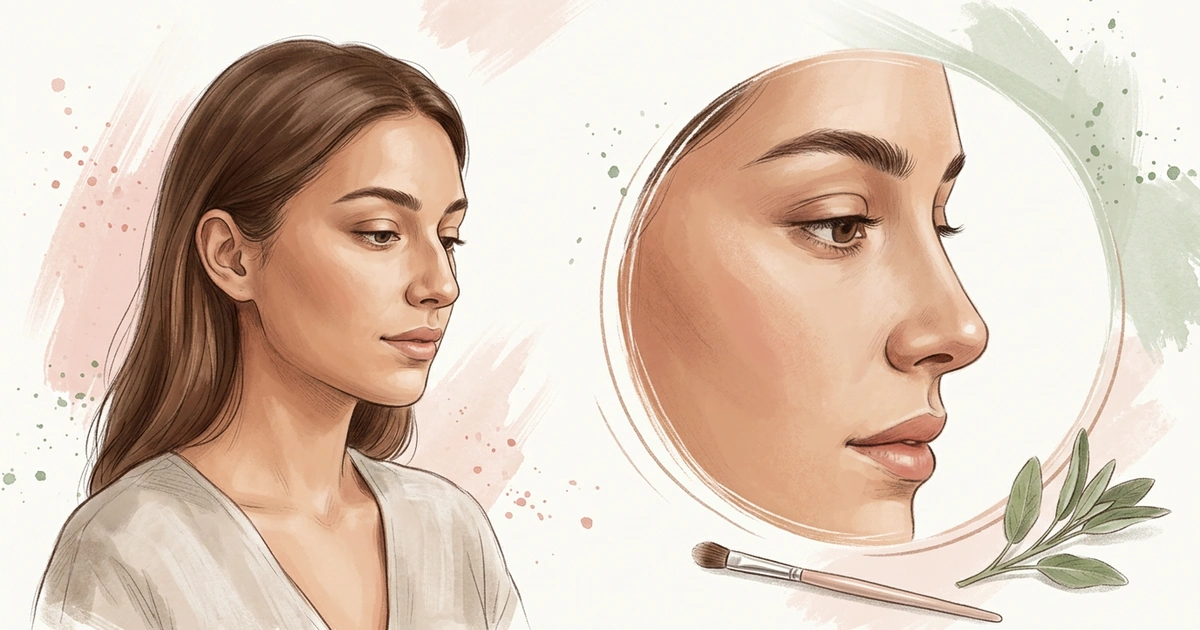
Airbrush gives you sliders to adjust your nose by hand. NoseChic gives you finished nose styles to try and tells you which ones suit your face. Here’s what that means in practice.
In NoseChic vs Airbrush, the biggest difference is how you get to a new nose. Airbrush is a selfie editor where you move sliders for nose size, width, tip and bridge yourself. NoseChic is a nose job simulator: you choose a common nose shape, get a realistic preview in seconds, and the Nose Report points you to styles that fit your face.
What’s the Difference Between NoseChic and Airbrush?
Both apps can give you a different nose in a photo, but they go about it in opposite ways.
The goal. Airbrush is a selfie editor for making photos look their best. NoseChic is made to preview a nose job before a consultation.
Sliders or styles. In Airbrush, you move four sliders for size, width, tip and bridge until the nose looks right. In NoseChic, you pick a full nose style and NoseChic changes everything at once.
Help choosing. In Airbrush, you decide every change yourself. NoseChic’s Nose Report looks at your face and suggests which nose styles to try.
Cost. Airbrush starts with a 7-day free trial, then charges monthly. NoseChic includes some free uses, then has weekly and annual plans.
Airbrush: A Selfie Editor With a Nose Tool
Airbrush is a selfie editor with a 4.8 rating from about 203,700 App Store ratings and more than 1.5 million ratings on Google Play. It’s best known for retouching: smoothing skin, fixing lighting, changing hair color and reshaping features. Its nose tool is under Face, then Nose, where you adjust four things with sliders: size, width, tip and bridge. You can also retouch faces in videos and edit online or on a computer. Airbrush offers a 7-day free trial, and its paid plan is listed at $10.99 a month on the App Store.
Choose it if: you already use it for selfies and want to make small changes to your nose with sliders.
NoseChic: Built for Nose Job Previews
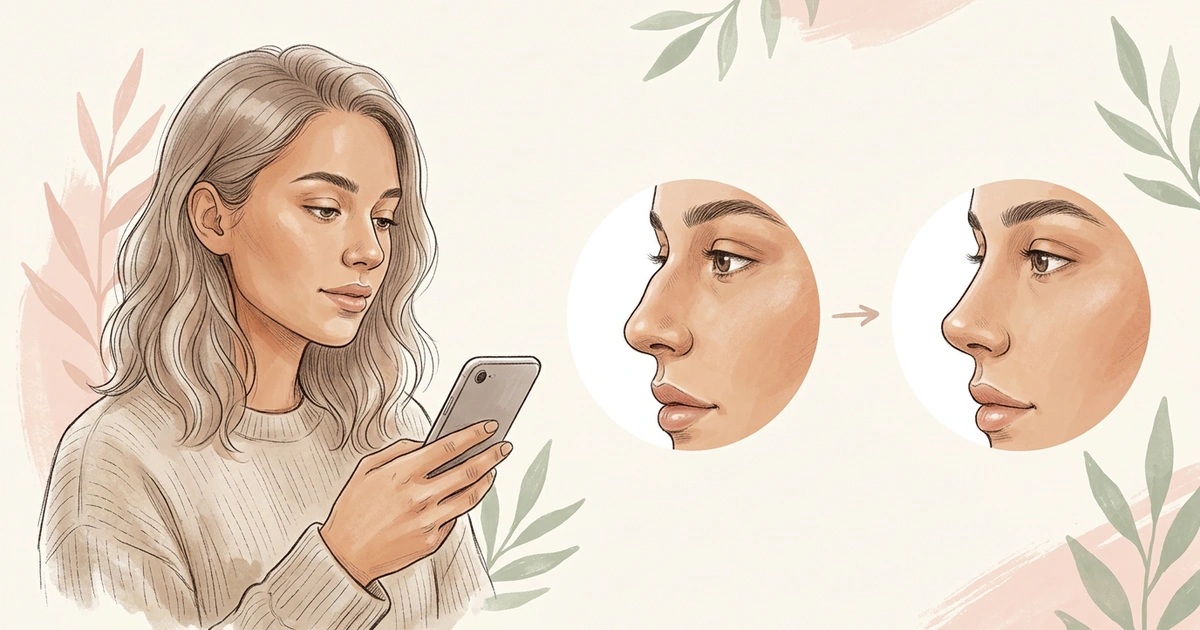
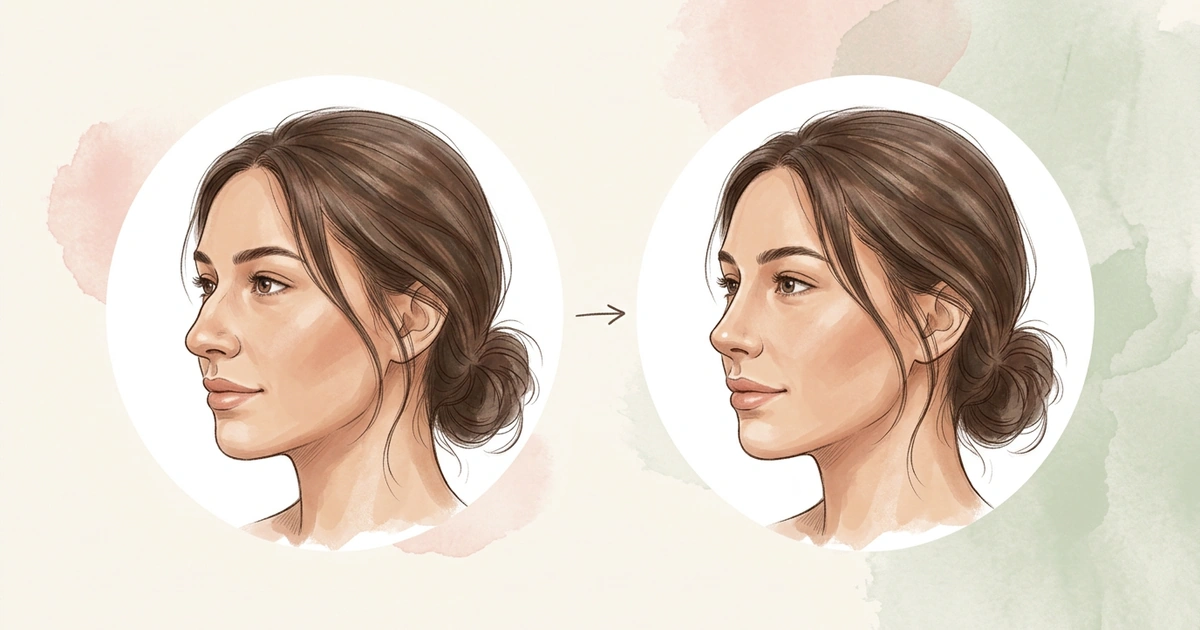
NoseChic is an app for one job: showing what a nose job could look like. You won’t find sliders. Instead, you choose a nose from 8 common shapes, such as a straight, smooth bridge or a rounder tip, and within seconds NoseChic puts it on a realistic version of your photo. Compare it with how you look now, or swap in another shape without uploading again.
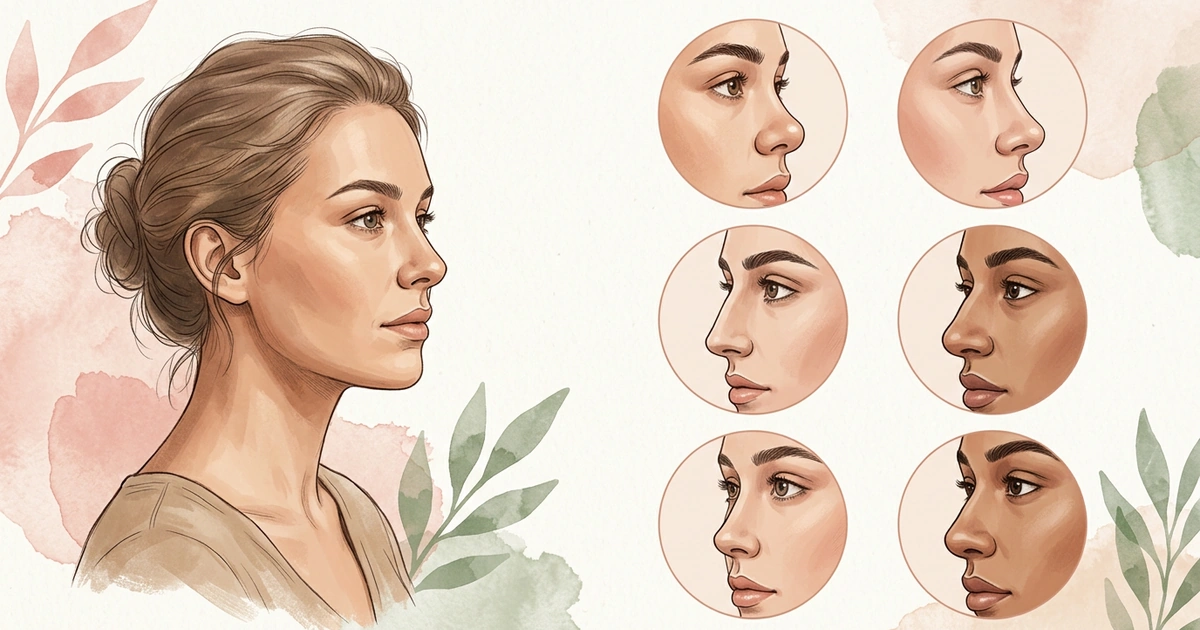
If you have no idea which shape to start with, the personalized Nose Report helps. In seconds, it looks at your photo, scores how your nose balances with the rest of your face, rates details like the bridge and tip, and recommends the nose styles most likely to suit you, explaining each one. You can try NoseChic for free.
Choose it if: you want to explore nose job ideas on your photo and get suggestions, without editing anything yourself.
NoseChic vs Airbrush: Side by Side
Here’s how the two apps line up.
| Feature | NoseChic | Airbrush |
|---|---|---|
| Main purpose | Previewing a nose job | Retouching selfies |
| How you change the nose | Choose a full nose style | Four sliders: size, width, tip and bridge |
| Suggestions | Nose Report picks styles to try for your face | Not listed |
| Editing needed | None | You set each slider yourself |
| Other tools | Nose only | Skin, lighting, hair color, video and more |
| Where you can use it | iPhone and Android | iPhone, Android, web and computer |
| Price | Free uses, then $4.99 a week or $34.99 a year | 7-day free trial, then $10.99 a month |
If your goal is a nose job preview, the first four rows matter most.
NoseChic or Airbrush: Which Fits You?
Match your situation to a row.
| If you… | Pick | Why |
|---|---|---|
| Are planning a nose job consultation | NoseChic | Full nose styles you can show your surgeon |
| Aren’t sure which nose would suit you | NoseChic | The Nose Report recommends styles |
| Don’t want to fiddle with sliders | NoseChic | Pick a style instead of adjusting |
| Want a slightly smaller nose in selfies | Airbrush | Size and width sliders |
| Want to edit on a computer | Airbrush | Online and desktop editors |
| Want skin and lighting fixes too | Airbrush | A full retouching toolkit |
How NoseChic Helps You Try a New Nose
Start with the photo you’d actually show a surgeon: a clear side view in good light. Run the Nose Report on it, and you’ll see which feature stands out most and a short list of styles to try.
Try two or three of the suggested styles on that same photo and compare each with how you look today. Pick the one you keep coming back to and bring it along to your consultation. It’s clearer than trying to describe the change in words.
Frequently Asked Questions
Can Airbrush change your nose?
Yes. In Airbrush, open Face, then Nose, and use the sliders to change the nose’s size, width, tip and bridge. It works well for small changes in selfies. Because you set each slider yourself, how natural it looks depends on how far you push it.
Is Airbrush free?
Airbrush is free to download and offers a 7-day free trial of its paid features. After that, its plan is listed at $10.99 a month on the App Store. NoseChic also has free uses, then costs $4.99 a week or $34.99 a year.
Is Airbrush good for a nose job preview?
Airbrush can make your nose a little smaller or slimmer, but it’s built for retouching selfies. NoseChic is made for nose job previews: it shows full nose styles, like a smoother bridge or an upturned tip, and suggests which ones suit your face.
Should I use NoseChic or Airbrush?
Go with NoseChic if a nose job is on your mind and you want to try real nose shapes without editing. Go with Airbrush if you want quick touch-ups for selfies, like smoother skin, better lighting or a slightly slimmer nose.
See your new nose in seconds
Download NoseChic, try nose job simulation on your own photo, and find the nose that feels right.