NoseChic vs FaceTouchUp: Key Differences
You’re comparing NoseChic vs FaceTouchUp to see a new nose on your photo. Both are nose job simulator apps, but they work in very different ways.
Written by Mia Hartley6 min readUpdated
FaceTouchUp started as a tool for plastic surgeons and has been on the App Store since 2015. NoseChic is newer and made only for nose job simulations. Here’s how they compare on editing, price and who each one is for.
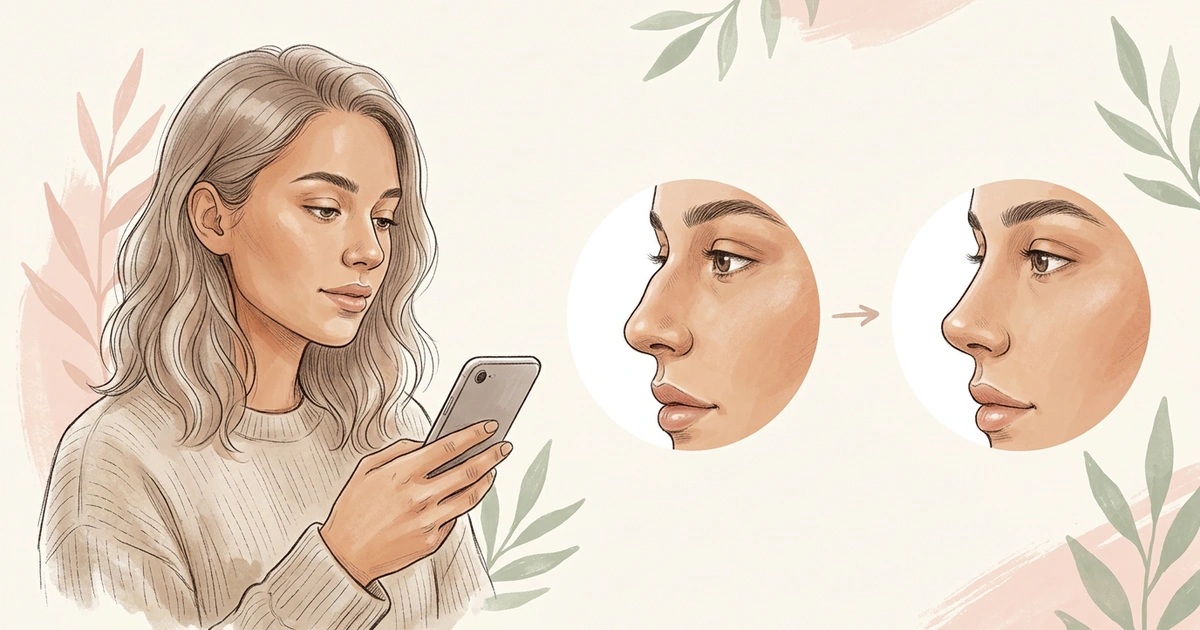
When it comes to NoseChic vs FaceTouchUp, the main difference is how the nose gets changed. In FaceTouchUp, you edit the nose yourself with tools, and the app also covers other procedures. In NoseChic, you pick from common nose shapes and see them on your photo in seconds. Its Nose Report also tells you which styles fit your face.
What’s the Difference Between NoseChic and FaceTouchUp?
Both apps put a new nose on your photo. They differ in four ways.
How the nose gets edited. FaceTouchUp gives you editing tools, so you shape the nose yourself. NoseChic does the editing for you: you choose a nose shape and the app makes the change.
What it covers. FaceTouchUp covers many procedures, from rhinoplasty and chin augmentation to facelifts, breast surgery and liposuction. NoseChic only does noses.
Who it’s made for. FaceTouchUp is built mainly for plastic surgeons, who use it during consultations. NoseChic is made for you, the person thinking about a nose job.
How you pay. FaceTouchUp sells photo credits. NoseChic is free to try, then has a weekly or yearly plan.
FaceTouchUp: The Surgeon’s Tool
FaceTouchUp is a plastic surgery simulator that its website says is used at over 500 surgery practices. Surgeons use it in consultations, and many put its simulator on their own websites. In the app, you upload a photo and reshape the nose with editing tools. It also covers chin augmentation, facelifts, neck lifts, breast surgery, liposuction and Botox. It’s on iPhone, iPad and Android, and the website lists surgeons near you who use it. In the app, you buy photo credits: 3 for $3.99, 15 for $9.99 or 50 for $29.99.
Choose it if: you want to shape the nose by hand, or see a surgeon who already works with it.
NoseChic: The Nose Specialist
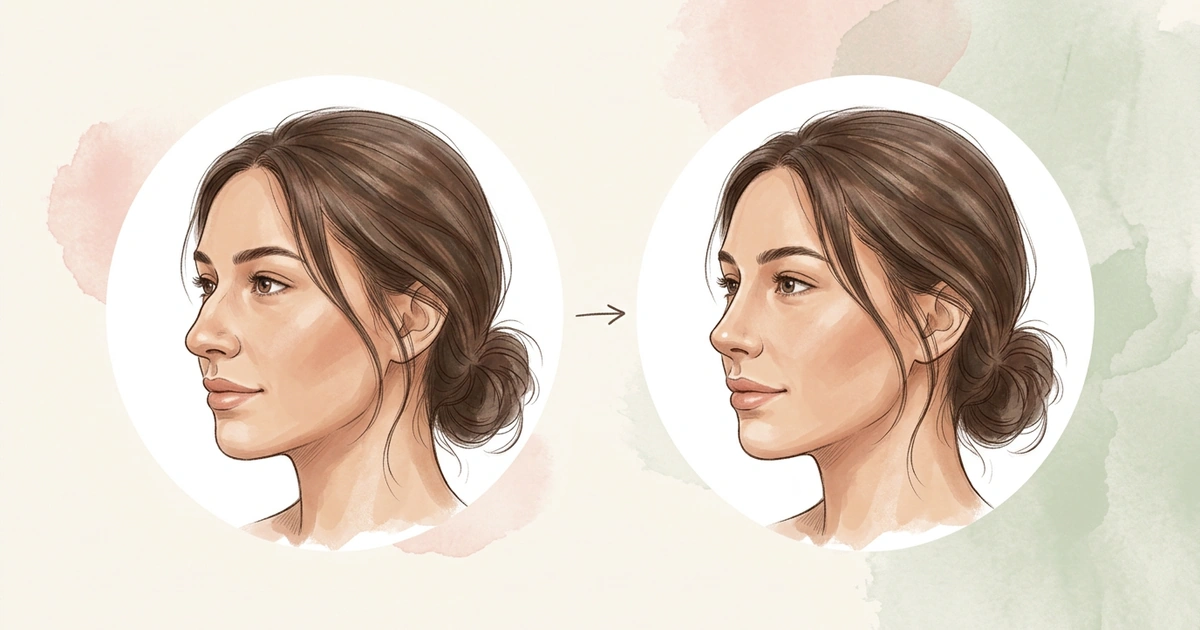
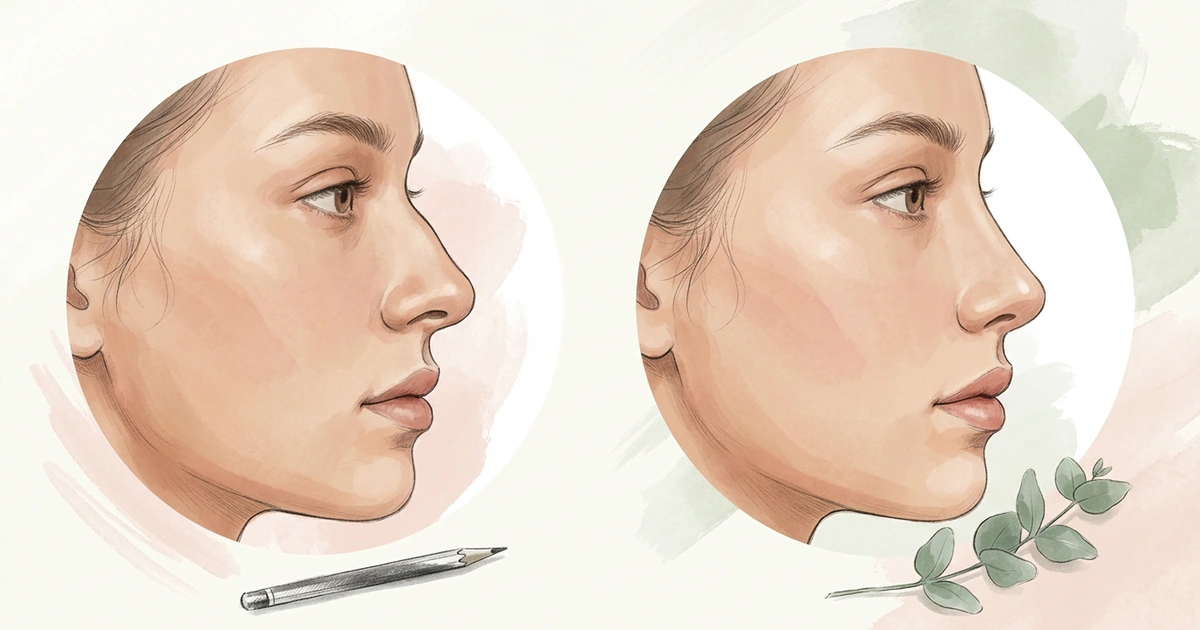
NoseChic does one thing: nose job simulations. Instead of editing, you pick one of 8 common nose shapes, like a smoother bridge or a slightly upturned tip, and add a photo. In seconds, you see a realistic photo of yourself with the new nose. Flip between before and after, or put a different shape on the same photo to compare.
Don’t know which shape to pick? The personalized Nose Report looks at your photo in seconds, scores how your nose fits the rest of your face, and rates your bridge, tip, length and symmetry. Then it lists the nose styles that would suit you and explains why. You can try it for free, then it’s $4.99 a week or $34.99 a year.
Choose it if: you want to see different nose styles on your photo without any editing, especially if you don’t know where to start.
NoseChic vs FaceTouchUp: Side by Side
Here’s how the two apps compare on the things that matter most when you’re trying a new nose.
| Feature | NoseChic | FaceTouchUp |
|---|---|---|
| Made for | People thinking about a nose job | Plastic surgeons and their patients |
| How the nose is edited | You pick a nose shape, the app makes the change | You edit the nose yourself with tools |
| Nose options | 8 common nose shapes | Whatever you shape by hand |
| Style suggestions | Nose Report lists styles that suit your face | Not listed |
| Other procedures | Nose only | Chin, face, breast, body and more |
| Editing skills needed | None | Basic photo editing |
| Price | Free to try, then $4.99 a week or $34.99 a year | Photo credits, from 3 for $3.99 |
| Platforms | iPhone and Android | iPhone, iPad, Android and web |
For most people, the deciding rows are how the nose is edited and whether you want suggestions. If you’d rather pick than edit, NoseChic is the easier start.
Which One Should You Choose?
Pick the row that matches what you want.
| If you… | Pick | Why |
|---|---|---|
| Aren’t sure what nose you want | NoseChic | The Nose Report points you to styles for your face |
| Want results without editing | NoseChic | Pick a nose shape and the app does the rest |
| Want a smoother bridge or a different tip | NoseChic | Ready-made styles for the bridge and tip |
| Want to shape the nose by hand | FaceTouchUp | Editing tools for the nose and the rest of the face |
| Want to see other procedures too | FaceTouchUp | Chin, face, breast and body simulations |
| Want to find a surgeon near you | FaceTouchUp | Its website lists surgeons who use it |
Where NoseChic Fits
NoseChic fits best before you’ve settled on anything. Even if you’ve never edited a photo, you can see a new nose in a few taps: take a clear side photo, run the Nose Report, and start with the styles it suggests.
Compare two or three of them on the same photo and keep the one you like. Then take it to your consultation. If your surgeon uses FaceTouchUp, they can fine-tune that change with you there.
Frequently Asked Questions
Is NoseChic better than FaceTouchUp?
That depends on how you want to work. NoseChic is easier if you want to try common nose shapes without editing and get suggestions for styles that fit your face. FaceTouchUp suits you if you want to shape the nose by hand or see other procedures, like chin or breast surgery.
Is FaceTouchUp free?
The app is free to download, but you need photo credits to edit. On October 22, 2026, credits cost $3.99 for 3, $9.99 for 15 or $29.99 for 50. FaceTouchUp’s website also says patients can use a free online simulator before booking a consultation.
What is a good alternative to FaceTouchUp?
NoseChic is a good alternative if you only care about your nose and don’t want to edit by hand. You pick from common nose shapes, see them on your photo in seconds, and get a Nose Report that suggests the styles that suit your face.
See your new nose in seconds
Download NoseChic, try nose job simulation on your own photo, and find the nose that feels right.